
Query params
This page will show you steps to configure query-parameter based condition. These then can be used at Query Filters in Rules section.Typical use-case is, you would want to cache and serve-from cache while ignoring the marketing/tracking query parameters (e.g. utm_*, fbclid, gclid etc.). Which will also create less cache-variations, and improve the cache-HIT percentage.*Note: For demo purpose, we will be using example.com domain as an example.
Prerequisite#
- You must have a domain configured on Nitrogen.
Steps#
Click on
Settingsmenu, and openQuery Paramstab.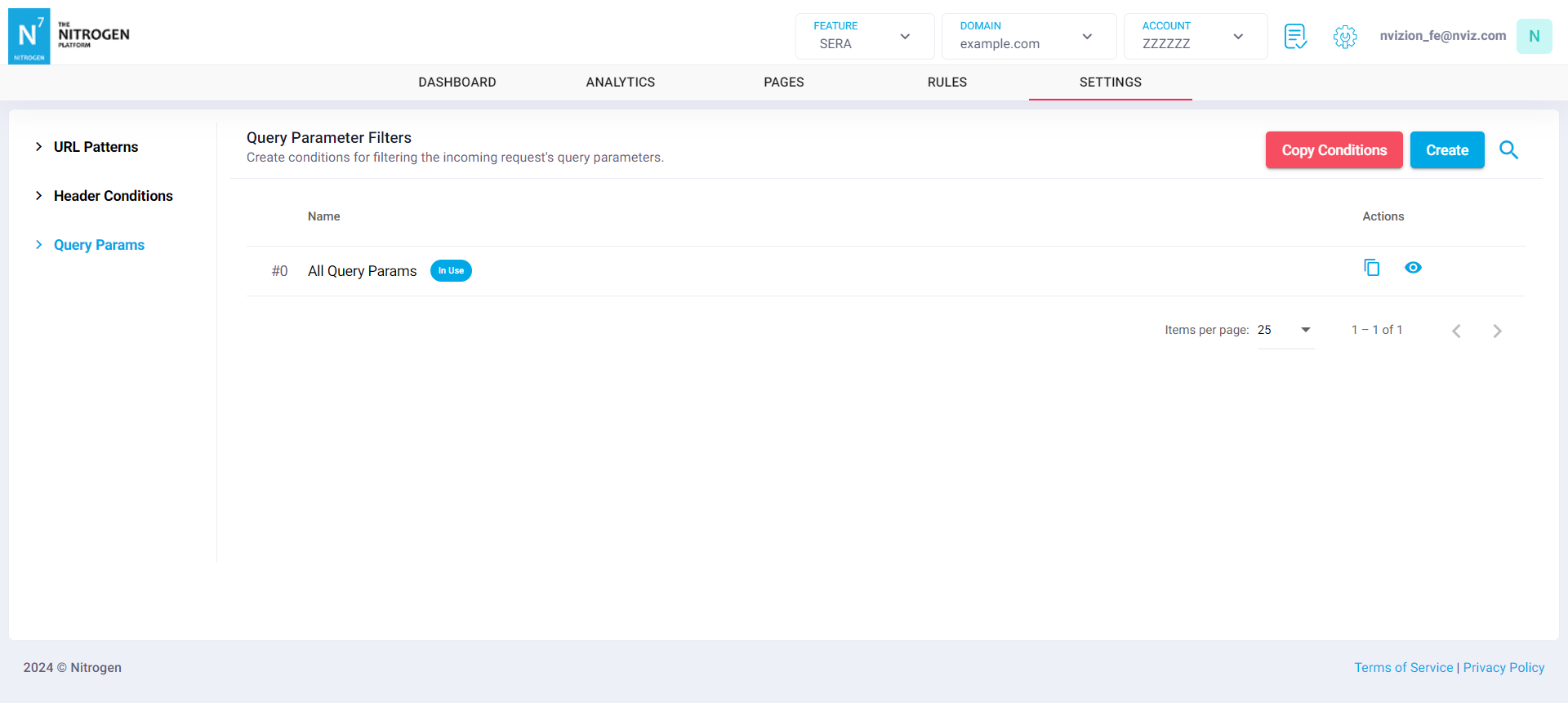
Create condition by clicking on
Createbutton.
You will now be taken to a screen to provide query-parameter condition details.Group Name: Provide short name about the query-parameter conditionFor example, EnterAll Query Params.Query Param Name: Enter query-parameter name or regex.For example, Enter.*Note: query-parameters name is matched as regex. Therefore all the query-parameters with name matching given regex will match here. For absolute names you can use ^ and $ in regex e.g. ^shopid$Match if query param is not present: Switch this flag on if you only wish to match when given query-parameter is not present.Enable it in this case for now.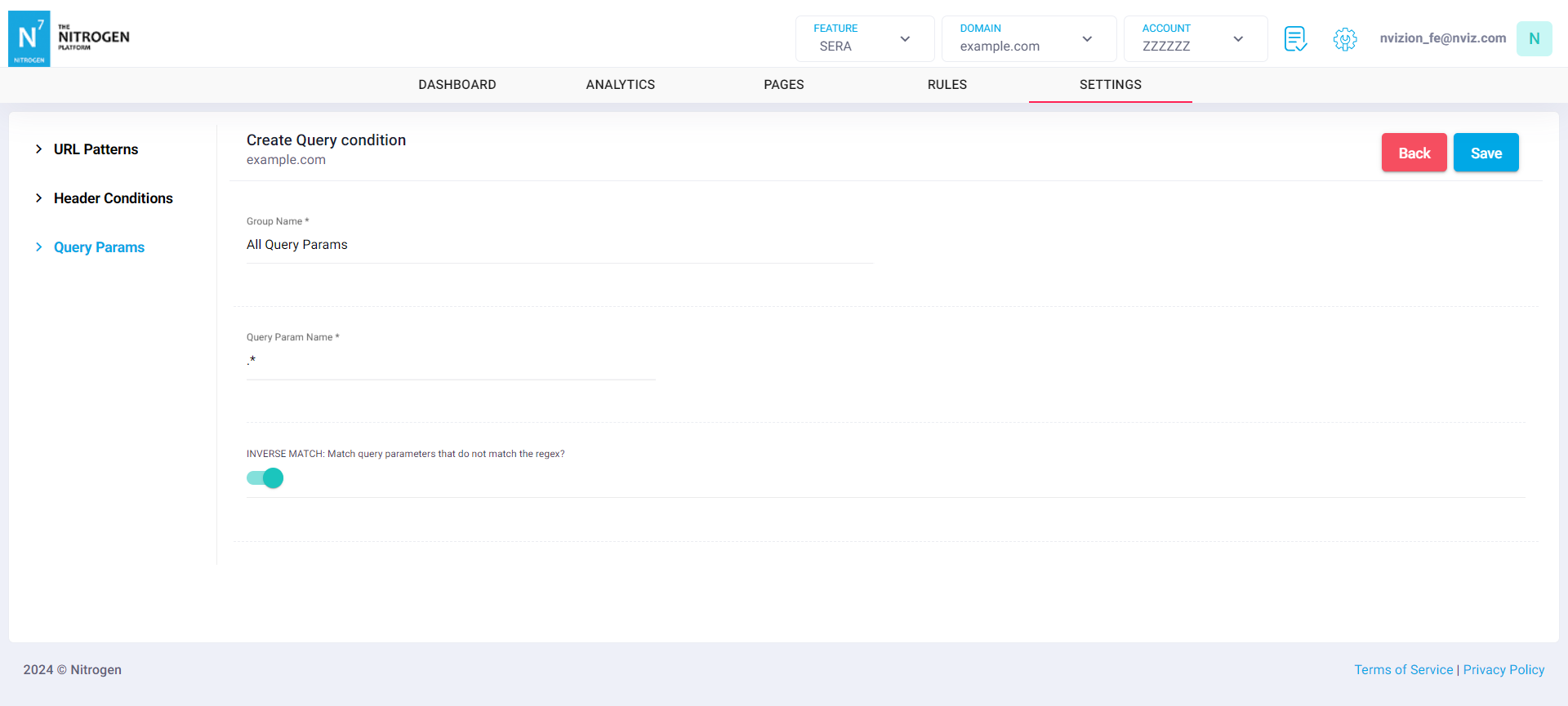
Click on
Savebutton. The configured pattern will be showed inQuery Paramslist.